
Protect Your Kids
Set PS5 and Xbox age limits before GTA VI lands
GTA VI is rated M (17+) and pre-downloads open Nov. 9 and 10. A console age limit keeps a surprise download locked until a parent says yes.
By The Island Current newsroom
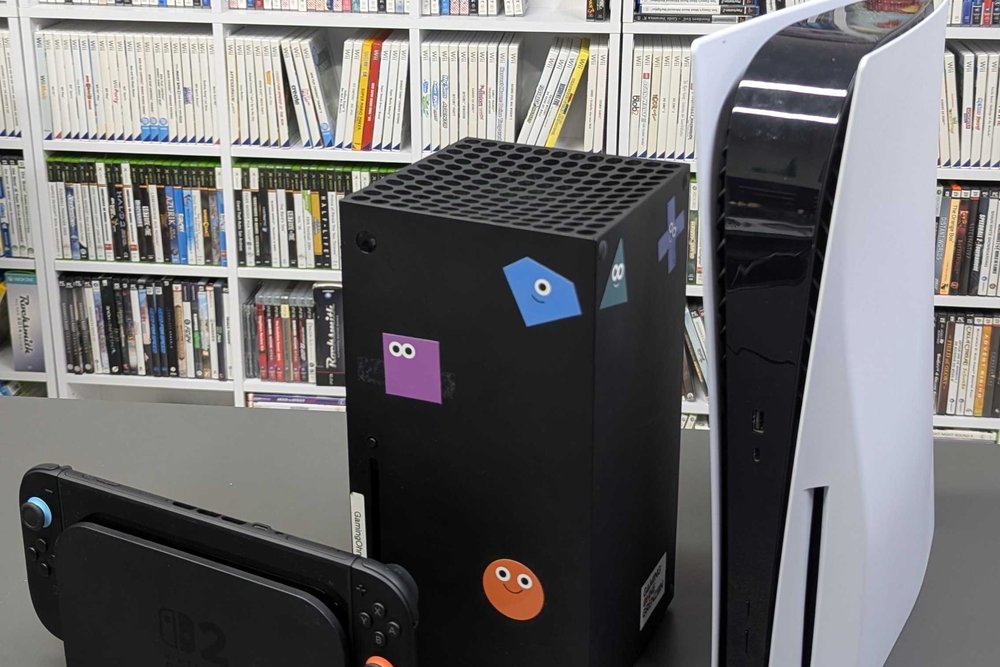
GTA VI is rated M (17+) and pre-downloads open Nov. 9 and 10. A console age limit keeps a surprise download locked until a parent says yes.
Do this today: Open the PlayStation Family app or the Xbox Family Settings app, pick your child, and set the game age limit to their real age.
Step-by-step
1. Give each child their own child account in your family
Limits only work on a child account linked to yours. On PlayStation, the family manager adds a child in the PlayStation Family app under Settings, Family Management, Add a child. On Xbox, the child needs a Microsoft account in your family group with the right birth date.
2. PS5: set the age level for games and apps
In the PlayStation Family app, pick your child at the top, tap the Settings icon next to their name, then Parental Controls, Games and Apps. Choose the age rating that matches how old your child is. On the console the same controls are under Settings, Family and Parental Controls, Family Management.
3. PS5: check the monthly spending limit
In the PlayStation Family app, scroll to the Monthly Spending Limit. It starts at 0. Keep it there or set a small amount. Purchases come out of the family manager's wallet.
4. PS5: decide how you will answer game requests
If your child tries to start a blocked game, they can send you a request. You get a notification and an email and can allow or deny it. Saying yes to an M game is a family choice, not a default.
5. Xbox: turn on the age filter
Open the Xbox Family Settings app on your phone, pick your child and go to Settings. Select Content restrictions, then under Apply age filters choose your child's age. Anything rated higher needs your approval.
6. Xbox: pick Just this once when unsure
When your child asks to play something rated higher, you can approve it Always or Just this once. Xbox says an Always exception can't be taken back, so use Just this once until you have talked it over.
7. Lock the adult side
Set a PIN on your Xbox profile so approvals need you. Keep your PlayStation password private. On PS5, change the console settings so a child can't change parental controls.
8. Talk about GTA VI before Nov. 19
The ESRB lists blood and gore, intense violence, nudity, strong sexual content, strong language, and drug and alcohol use. Say the house rule out loud before launch day so the limit is not a surprise. Bookmark the help pages below for a monthly check.
If something already feels wrong, keep the chat, stop contact and report through the app. In Canada, Cybertip.ca takes reports about online sexual exploitation of children.
Sources: PlayStation help: set parental controls, PlayStation help: PlayStation Family app, Xbox help: manage content in the Family Settings app, Xbox help: grant an exception to content limits, ESRB rating for Grand Theft Auto VI.
You may like
 Deck the Downtown brings a truck parade, tree lighting and Small Business Saturday to Campbell River, Dec. 4 to 6
 Public service union asks the province to pause its five-day return-to-office order
 Campbell River man gets more than nine years in prison after RCMP drug trafficking investigations
 BC Hydro doubles its reward for households that cut power use by 10 per cent, and triples it for income-qualified customers
 Province moves to end B.C.'s "safe supply" drug approach and shift money to treatment and recovery
 BC Ferries cancels Wednesday evening Tsawwassen-Swartz Bay sailings as winds build, with earlier sailings full